 List2Scale
Get the app
How to write an eBay listing that sells
eBay buyers search for exact items and then filter. A listing that matches their search words, fills in the details eBay filters on and shows the condition honestly gets seen more often and comes back less.
One photo.Two taps.
An example with a bag on an unmade bed. Tap the photo to see an example product photo and an example listing for Poshmark.
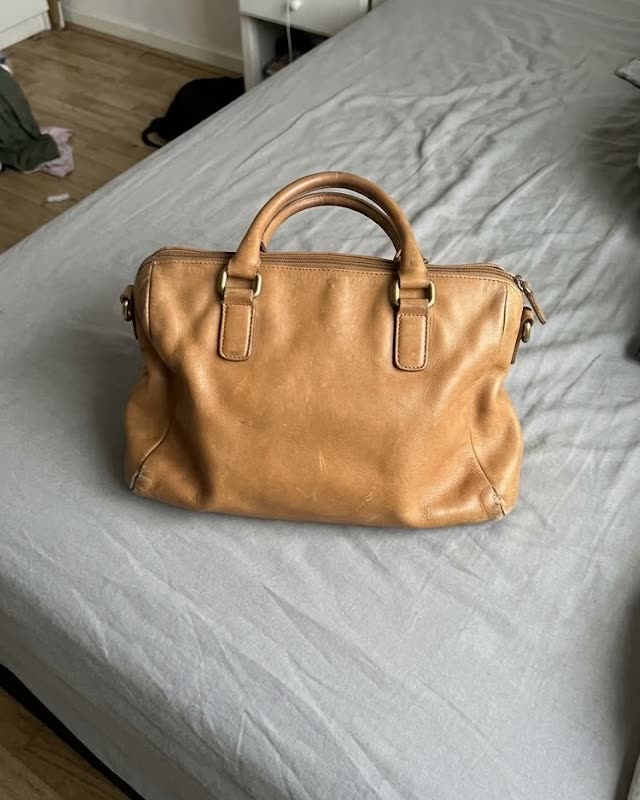
1. Example photo, on a bed
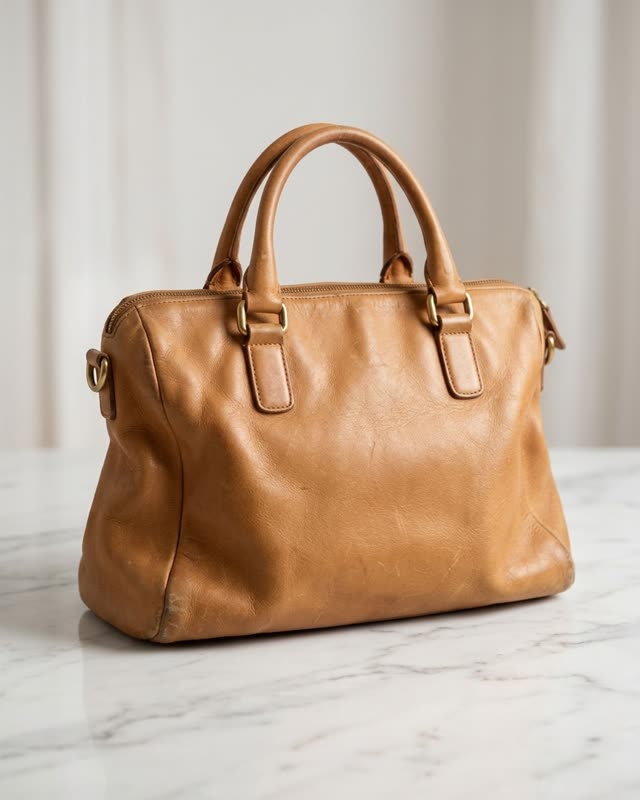
2. Example product photo
Tan Brown Satchel Bag Top Handle Handbag
That go-to warm neutral that effortlessly pulls an outfit together without trying too hard.
Read the full description
A rich caramel hue that adds a relaxed, lived-in feel to everyday dressing. Perfect for carrying on coffee runs, casual workdays, or weekend errands paired with your favorite denim and a cozy knit. Highlights: • Warm caramel tan leather-look exterior with a relaxed silhouette • Dual rolled top handles for comfortable hand carrying • Antiqued brass-tone hardware accents • Top zip closure design with side metal rings Condition: Pre-owned fair condition. Displays visible signs of wear throughout, including surface scuffs, light creasing, and rubbing/wear along the bottom corners as shown in photos. [add measurements] Questions are welcome! Send a message or make an offer.
listing
Opens the free web version with this photo.
1. Title: use the 80 characters
eBay titles allow 80 characters, so use them for words buyers type: brand, item, model or style, size, color and key features. "Patagonia Better Sweater Fleece Jacket Men's Large Navy Full Zip" beats "Nice jacket". Skip "L@@K", "wow" and repeated words.
2. Fill in the item specifics
Brand, size, color, material, model and the other item specifics feed eBay's search filters. A buyer who filters by size or brand will not see a listing that left those blank, so fill in every one that applies.
3. Photos: plenty, and clear
4. Condition and description
Pick the condition that honestly fits, then describe it in plain words: what works, what is missing and any marks. Add measurements for clothes and dimensions for larger items. A clear, honest description is the best protection against "not as described" returns.
5. Price from sold listings, then pick shipping
Search the item and turn on the Sold items filter to see what it actually sold for, not what people are asking. Price near the middle of recent sales, and turn on Best Offer if you are happy to negotiate. Weigh and measure the item packed before you choose shipping, so what you charge matches the label you buy.
Write it from one photo
List2Scale writes an eBay-style title and description and suggests a price from one photo, so you only check the details, fill in the item specifics and choose shipping. Free on iPhone.
List2Scale is not affiliated with eBay. More: eBay listing generator · How to price used items · Crosslisting title cheat sheet