 List2Scale
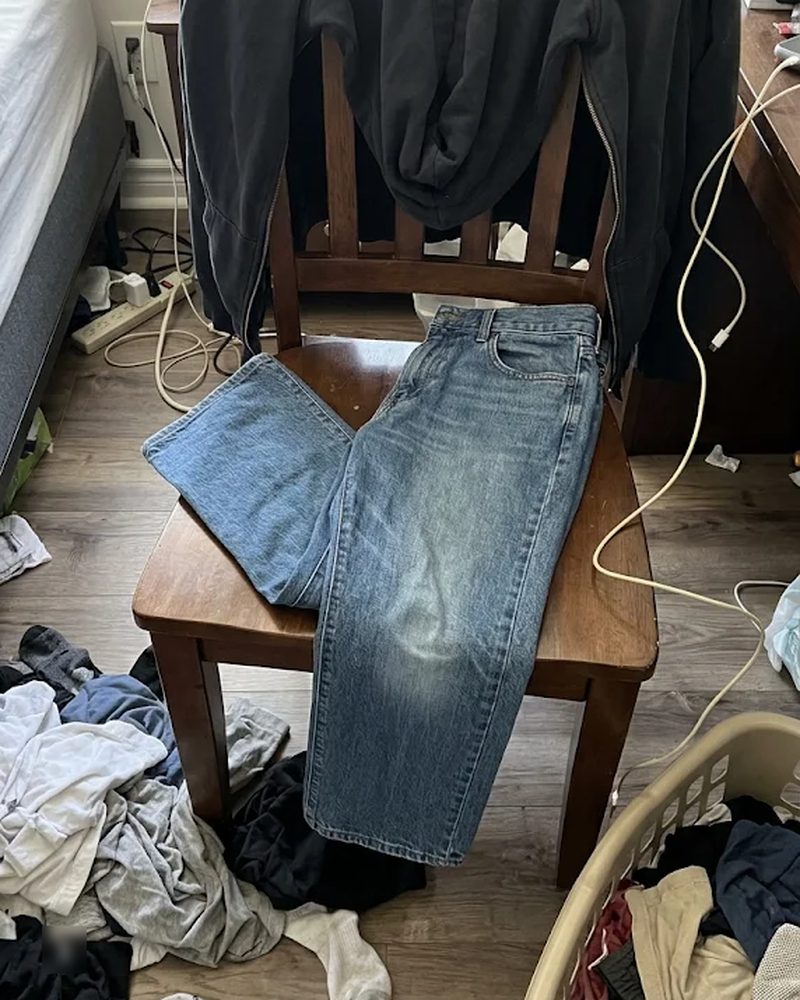

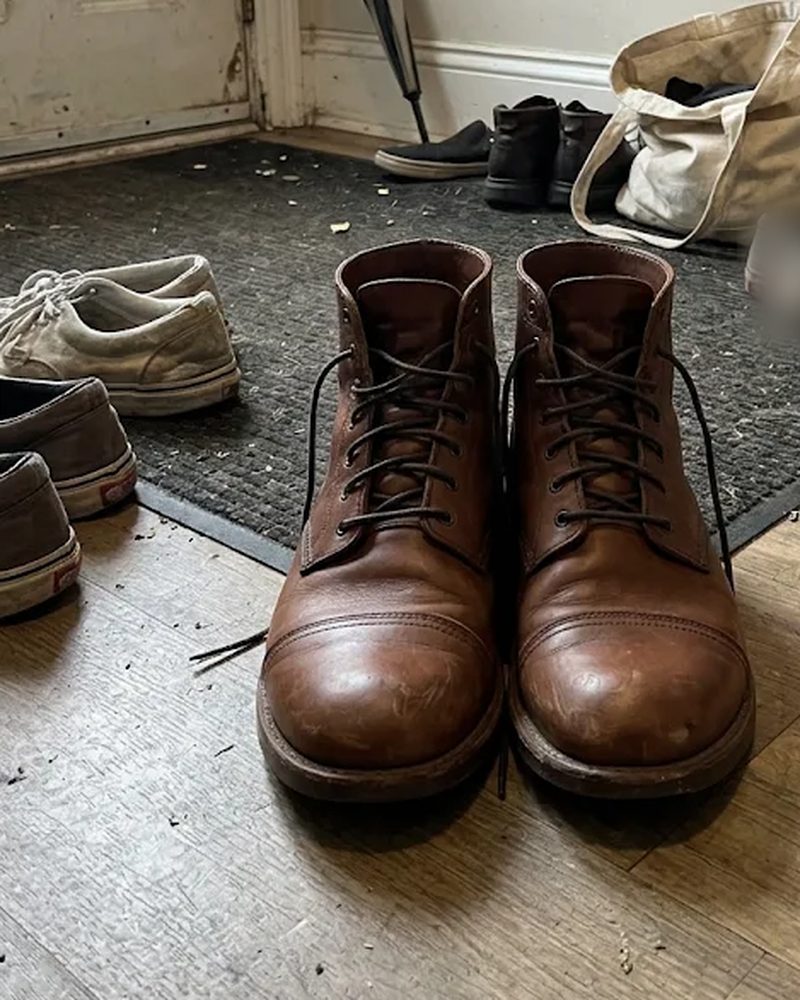
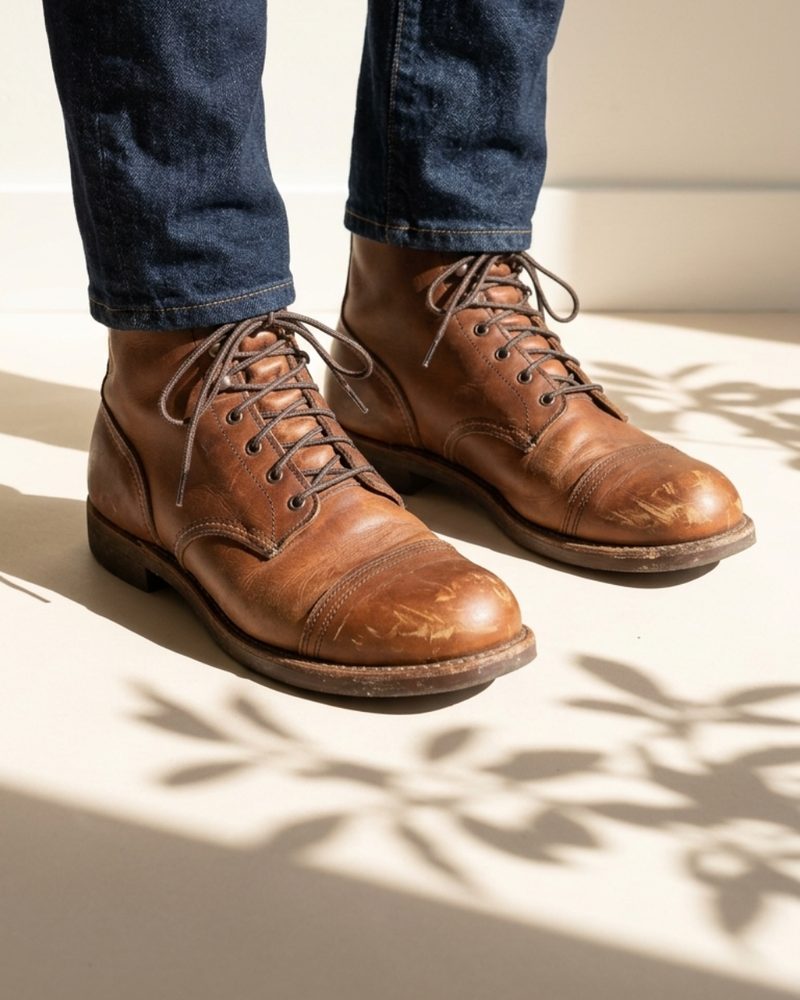
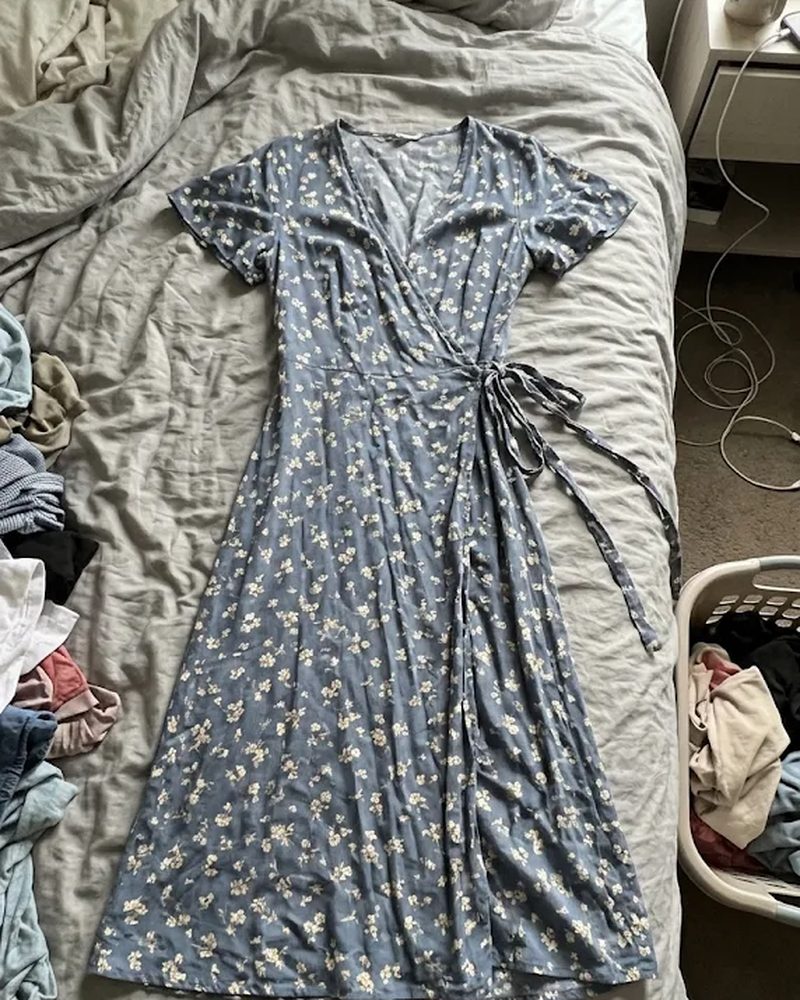

Messy bed in. Shop window out.
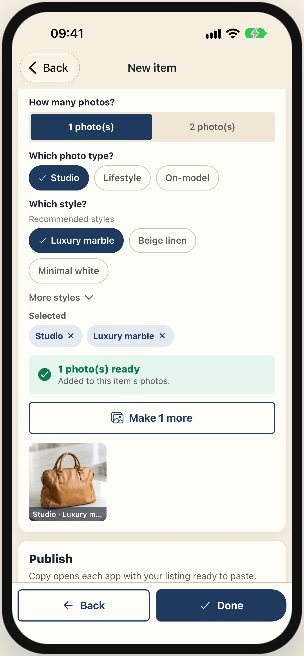
Take the photo wherever the item is. List2Scale tidies the background so the item stands out, in the style you pick.
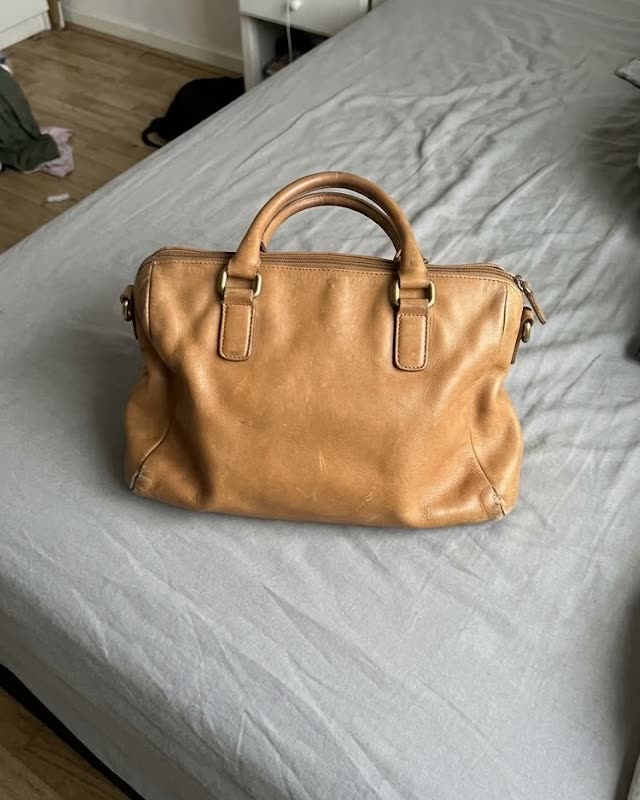
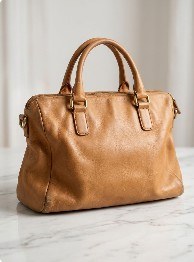

One bag. Written for each app.
Each marketplace gets its own title, description and suggested price, in the way people search there.
- PoshmarkVintage Tan Leather Boston Satchel Bag
- MercariVintage Camel Tan Leather Top Handle Satchel Bag
- Depopvintage tan leather satchel bag, 90s minimal #vintage #leatherbag
- Facebook MarketplaceTan Leather Satchel Handbag
Example titles
Also eBay, Vinted and OfferUp. Shopify drafts on the Shop plan.
Three steps to a listing
You stay in charge. The app never logs in to your selling accounts.
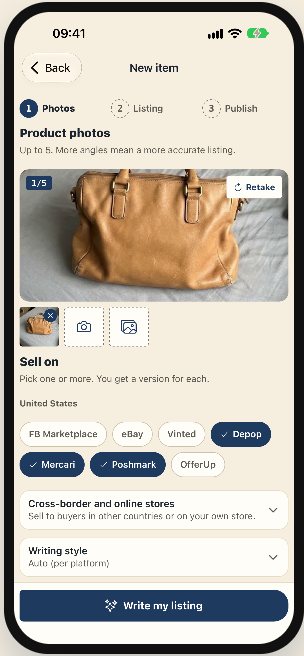
Snap and pick where you sell
Clothes, shoes, bags, electronics, toys, home items.
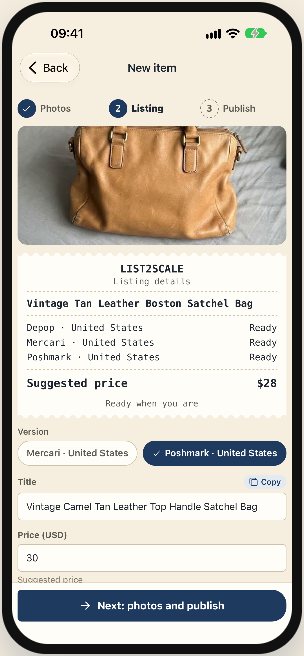
Check what it wrote
Title, description and a suggested price for each marketplace. Edit anything.
Copy, paste, post
The app copies the text and opens the marketplace. You post it yourself.
Pick the plan that fits you
Free
Free to start. No account needed.
Pro
For sellers who list often. First month half price.
Shop
Send products straight to your Shopify store as drafts.
Need help?
Email list2scale@gmail.com with the user ID from the bottom of the Account screen (tap it to copy) and a short description or screenshot. We usually reply within 2 working days.
Questions
Do I need an account?
No. To keep your items when you switch phones, sign in with Apple or Google on the Account screen.
How much can I use it?
The Account screen shows what's left this month. It resets on the 1st.
Can it post for me?
Shopify: connect your store in Account → Advanced settings, then tap "Save as Shopify draft". Other marketplaces: the app copies the text and opens the marketplace for you to paste.
What store name do I enter for Shopify?
Your myshopify name, found in Shopify admin → Settings → Domains (the part before .myshopify.com).
Is the generated listing always right?
No. Check the name, details, condition and price before you post.
Will my items move to a new phone?
Yes, if you sign in with the same Apple or Google account. Without signing in, items stay on the original phone.
How do I delete my data?
Account → Delete my data. See the Privacy Policy.